Sharing & settings
How do I review, edit, and export on Desktop?
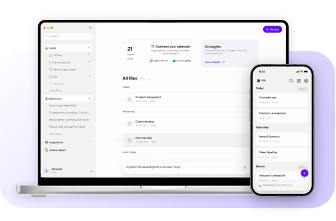
Open a processed recording in Desktop and select Transcript, Summary, or the report you need. Use the available edit control, save, and reopen. Choose Share/Export and a supported format, then inspect the file. App-only device settings remain in the mobile App.