
All questions

Recording

What is Seamless Transfer, and how do I enable it?

Seamless Transfer helps completed Gem recordings reach the App in the background. On iPhone, open Home → transfer status bar → Seamless Transfer → Enable Seamless Transfer and complete the permission guide. Keep Gem nearby and check transfer/upload afterward; it does not start recordings for you.

Get Memoket
Memoket
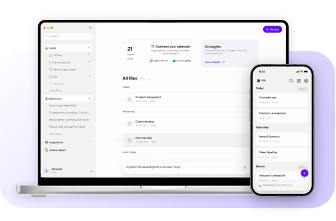
Memoket desktop and mobile app interfaces

Your conversations, within reach.

Choose how you use Memoket.

Take Memoket with you.

Get the app for iPhone or Android.

Make room for better conversations.

Choose the installer for your computer.

Open Memoket in your browser.

Use the Web app without installing anything.

Open Web app